

Why it matters
AI answers are built from pages AI has read. If a crawler never fetches your new product page, it can’t recommend what’s on it. AI Traffic shows the other side of your visibility numbers: whether the bots behind ChatGPT, Claude, Perplexity, Gemini and others are actually reading your site, which pages they favour, and which they skip.The kinds of bots
Search crawlers are left out by default because they are so frequent; include them with the search indexing switch.
Reading the page
- Totals: requests from AI bots, how many came from agents acting for a person, how many pages and hosts were read.
- Over time: requests per hour or day, split by vendor, host or page. Use it to see whether a page you just published is being picked up.
- Pages: every page AI read, which vendors read it, and when last. Sort by the busiest, or search for a path.
- Hosts: when you connect several domains or subdomains, how each one is read.
Real bots and look-alikes
Anyone can call their scraper “GPTBot”. Where a vendor publishes the IP addresses its bots use, Elaris checks each request against them: verified requests come from the vendor, while requests that claim to be a bot from an address it doesn’t use are flagged as spoofed. Requests that can’t be checked (the vendor publishes no list, or the source gives no IP address) are shown as unchecked.Ways to connect
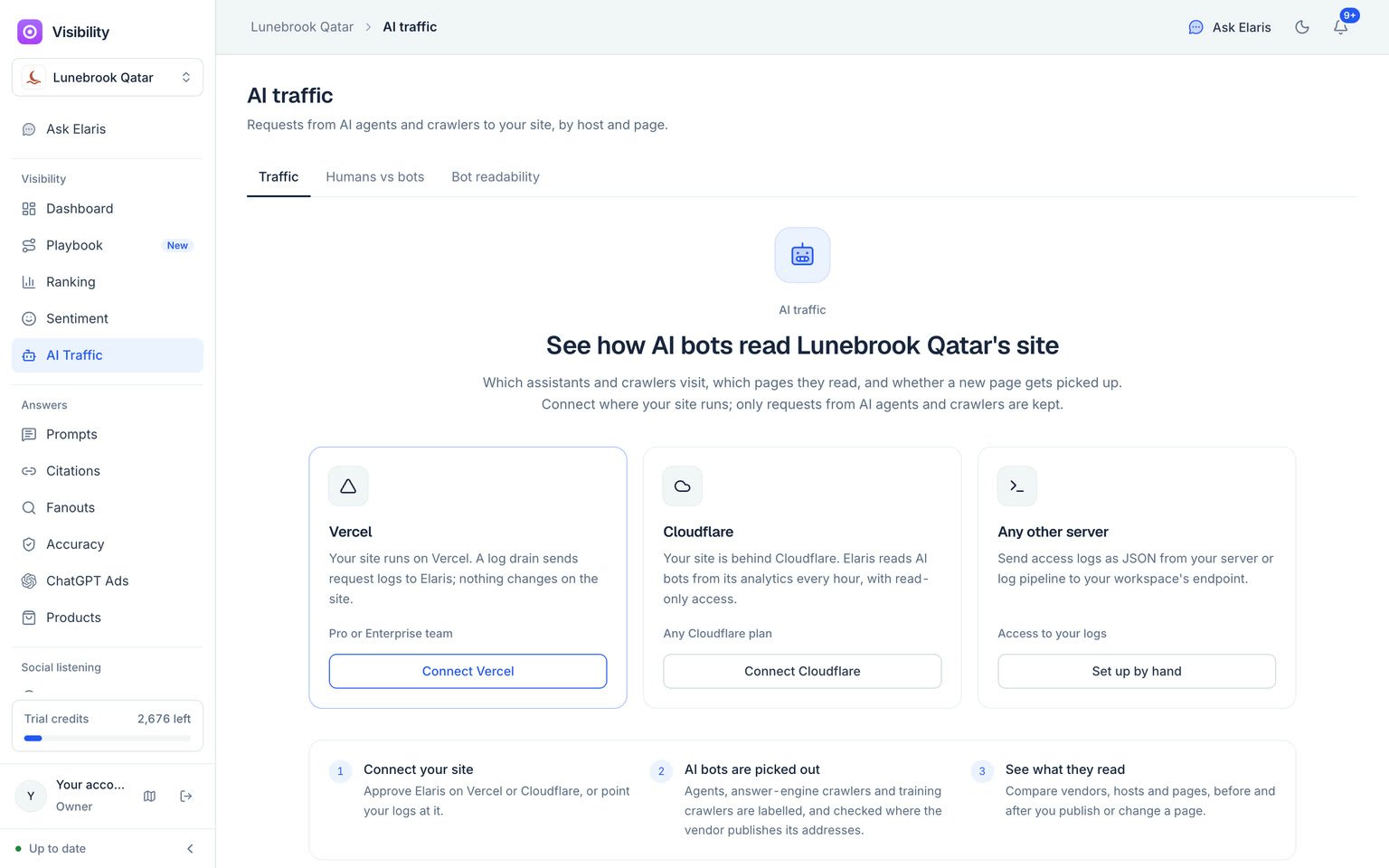
Before anything is connected, the AI traffic page offers each way to send it your traffic.
Sending logs from any server
In Settings → Integrations → Manual upload you’ll find an endpoint and a secret for your workspace. Post your access logs to the endpoint as JSON, a JSON array or newline-delimited JSON, with the secret in thex-elaris-secret header. Each line needs a host and a user agent; without a time, the moment it arrives is used. The other fields help:
Up to 5 MB per request. Add
?dry_run=1 to the endpoint to see what would be kept without storing anything.
Humans vs bots
The Humans vs bots tab counts every page view (not images, scripts or feeds) by who made it: people, AI agents and crawlers, search engines, and other bots such as SEO tools, link previews, uptime monitors and scripts. For people it also shows where they came from, and picks out visits from AI answers: people who clicked through from ChatGPT, Perplexity, Gemini, Copilot, Claude and other assistants (from the referrer, or theutm_source an assistant adds), with the pages they landed on.
Server logs (Vercel, Cloudflare or any server) count people and every kind of bot. If you can’t send logs, the visitor snippet counts people on any site:
- Copy the snippet from Settings → Integrations → Visitor snippet.
- Paste it inside the
<head>of every page (in Shopify, the theme’s layout; in Webflow, Site settings → Custom code; in WordPress, a header plugin). - Page views appear within a minute.
utm_source. It counts people only: bots that run JavaScript are left out. Beacons are accepted only from your own domains, so the key in the snippet is safe to publish. When both logs and the snippet report people for the same site and day, logs are used, so nobody is counted twice.
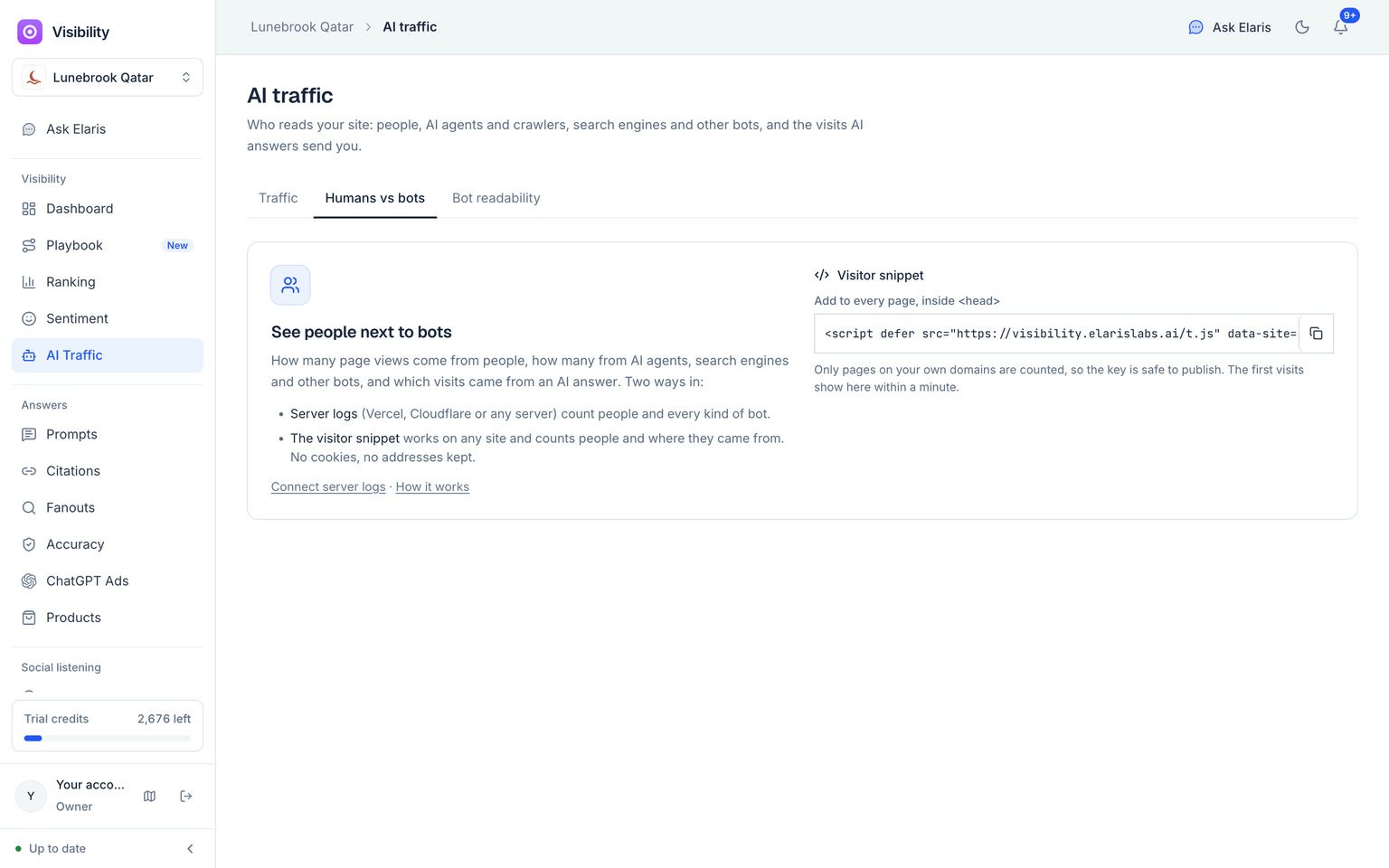
Humans vs bots: people next to AI agents, crawlers and other bots.
What Elaris keeps
Requests from known AI agents and crawlers are stored in full: the time, host, page, user agent, status, size and country, plus whether the bot was verified. For everyone else, only daily counts per page are kept (who made the request and, for people, where they came from). No address, user agent or cookie is stored for people.Hide paths you don’t care about, such as health checks or feeds, from the AI traffic tables at any time. Hidden paths can be shown again.